How a shoot works with ShootCollab
ShootCollab replaces the chat and the collection of links after the shoot. Four steps show what the photographer does, what the model does and what you do together.
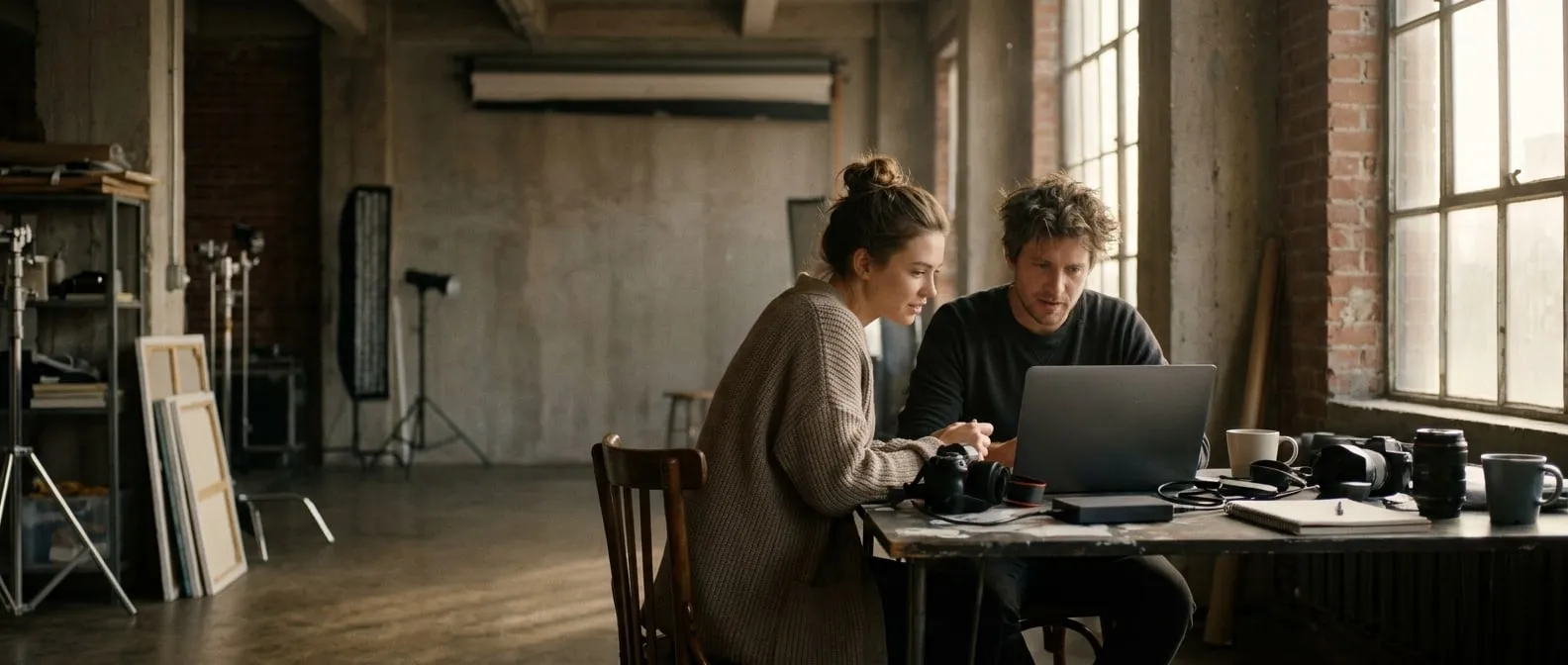
From shoot to selection in four steps
- STEP 01
Create a gallery
The photographer creates a gallery, uploads the photos and sorts them into sections if needed.
- STEP 02
Invite the model
The model gets an invitation, signs up with their own free account and sees the gallery.
- STEP 03
Choose together
You both rate the photos and comment right on them. When ratings are shared, everyone sees how the other side decided.
- STEP 04
Save favorites
With the heart, you save photos in your own account. They stay there even if the gallery is deleted.
Create a gallery
The photographer creates a gallery for the shoot and uploads the photos.
- A name for the shoot is enough
- Sections sort the photos, for example by Outfit 1 and Outfit 2
- Photos can be moved at any time later
Invite the model
The model gets an invitation from the photographer and signs up with their own account.
- One invitation is enough, no more links to single photos
- The account belongs to the model and is independent of the gallery
- In group shoots, several models can be invited
Choose together
You both see the same photos, rate them in color categories and comment right on the photo.
- Select, rejected or edit: one tap per photo
- Depending on the setting, you see on the thumbnail how the other person rated
- Retouching requests appear as comments on the photo
Save favorites
With the heart, you save photos in your own account, independent of the gallery.
- Favorites stay even if the photographer deletes the gallery
- This works for every account
- Favorites count towards your plan’s storage
Start with your next shoot
Signing up is free. Then you create a gallery or accept an invitation.