Choose the best photos together after the shoot.
Photographer and model rate the photos from a TFP shoot in one shared gallery and write requests right on the photo.
The model has their own free account too. Favorite photos saved with the heart stay there.
In the film: a photographer on a computer, two models on a phone and a tablet. Every rating and every comment shows up on the other devices right away.
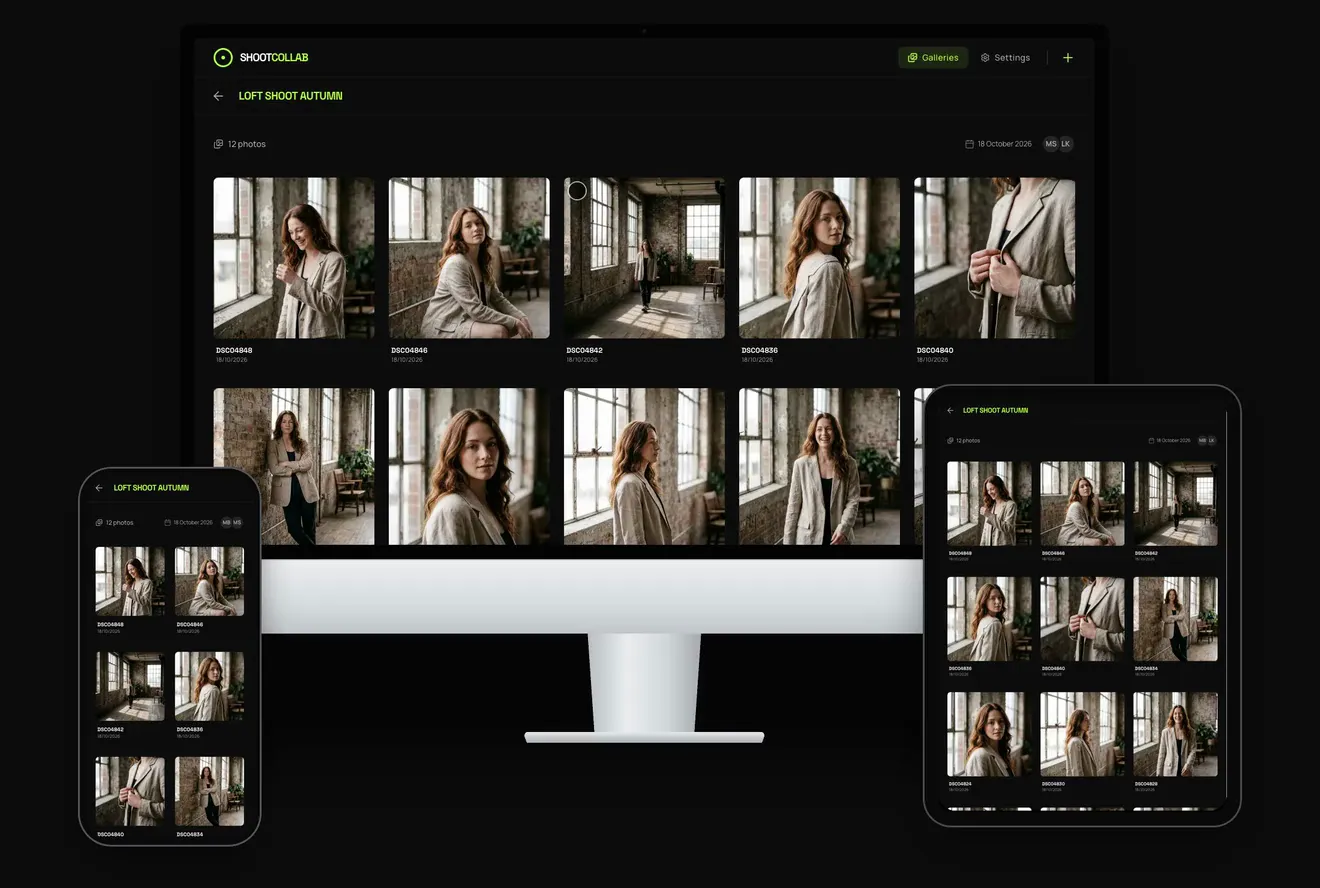
After a TFP shoot, photographer and model decide together which photos get edited. That often happens through chat and links, and the gallery usually ends up only with the photographer. With ShootCollab, the model has their own account too. Photos you mark with the heart stay there.
Rate every photo with one tap
Open a photo and pick a category, such as Select, Rejected or Edit. You can change names, icons and colors. Your default set holds up to 5 categories. When ratings are shared, you see on the thumbnail how the other side decided.
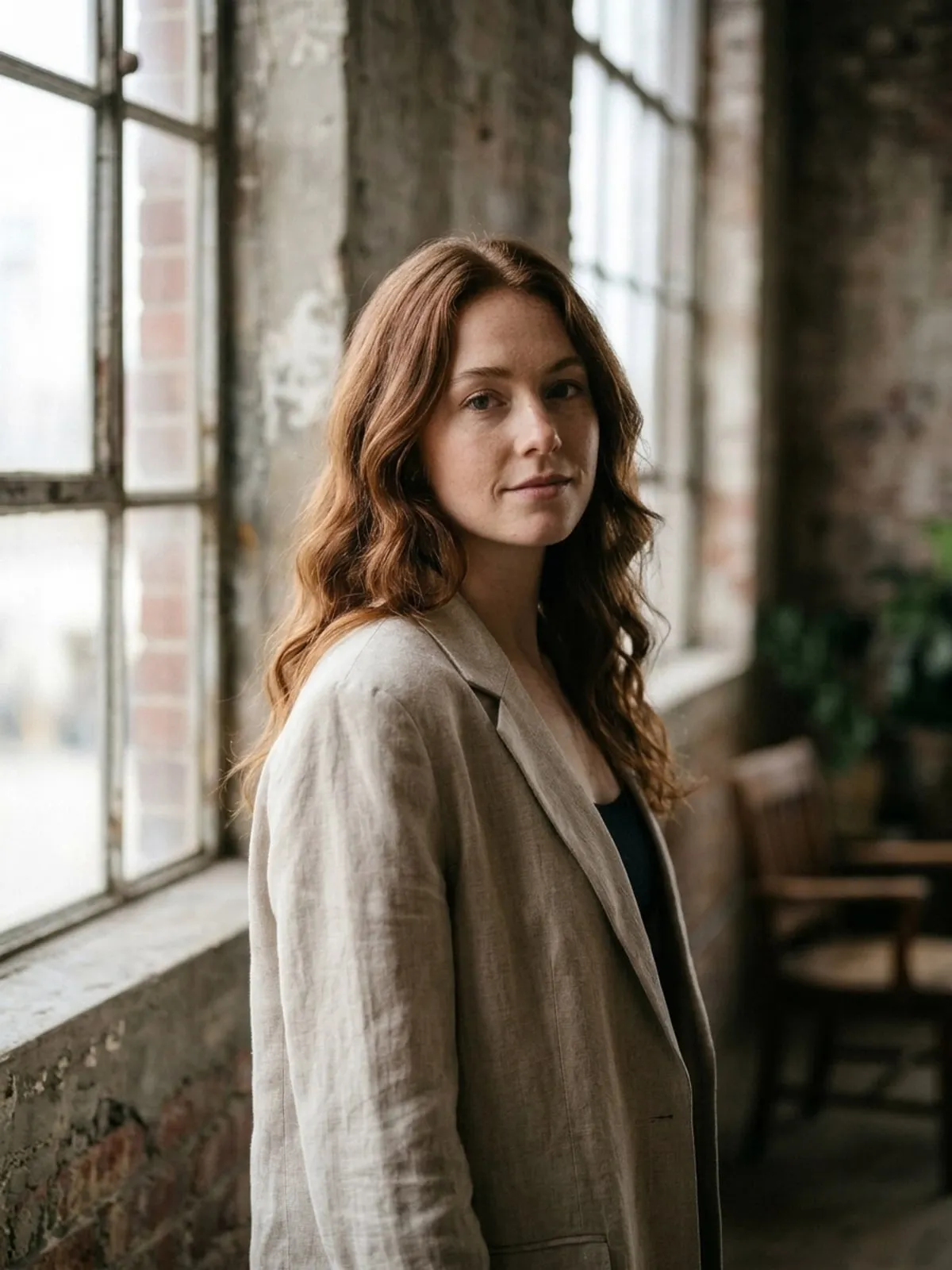
Discuss requests right on the photo
Write retouching requests, permission to post on Instagram or questions about the lighting as a comment directly on the photo. Nobody has to search the chat for which photo was meant.
Please touch up the hair at the edge a little. The rest looks good to me.
Will do. Feel free to post it on Instagram with credit.
Thanks! My picks for outfit 2 are done.
Organize your sets
Split a gallery into sections such as Outfit 1, Outfit 2 or Final selection. Photos can be moved at any time.
Outfit 1
32 photos
Outfit 2
28 photos
Final selection
12 photos
From shoot to selection in four steps
- STEP 01
Create a gallery
The photographer creates a gallery, uploads the photos and sorts them into sections if needed.
- STEP 02
Invite the model
The model gets an invitation, signs up with their own free account and sees the gallery.
- STEP 03
Choose together
You both rate the photos and comment right on them. When ratings are shared, everyone sees how the other side decided.
- STEP 04
Save favorites
With the heart, you save photos in your own account. They stay there even if the gallery is deleted.
Who is ShootCollab for?
Photo selection with the model in one place
- Create a gallery, upload photos and invite the model
- Set up rating categories to fit your workflow
- Retouching requests appear as comments on each photo
- In group shoots, each model rates independently of the others


Start for free, get more storage later
You start for free with 2 GB of storage. Rating, comments and favorites are in every plan. Storage is used by the contents of your galleries and by your favorites. When space runs low, you switch to a larger plan. Video and PDF upload and the video player are part of the larger plans.
Free
- All features
- Photo upload
- Video and PDF upload with download
- Video player with transcoding
Lite
incl. VAT
- All features
- Photo upload
- Video and PDF upload with download
- Video player with transcoding
Pro
incl. VAT
- All features
- Photo upload
- Video and PDF upload with download
- Video player with transcoding
- 60 min of transcoding per month
- Up to 15 min per video
Max
incl. VAT
- All features
- Photo upload
- Video and PDF upload with download
- Video player with transcoding
- 180 min of transcoding per month
- Up to 30 min per video
Payment in advance via Stripe, for example with:
- Card
- Apple Pay
- Google Pay
- Link
All prices are final prices. Stripe shows you the payment methods available to you at checkout.
- Favorites use storage. If you want to keep lots of photos for good, you can move to a larger plan at any time.
- Refer a friend: You and the person you refer each get an extra 1 GB, for up to 5 referrals.