Rate, discuss and organize photos together
ShootCollab is the shared gallery for photographer and model. In it, you rate photos in color categories, write requests on the photo and organize the gallery by set.
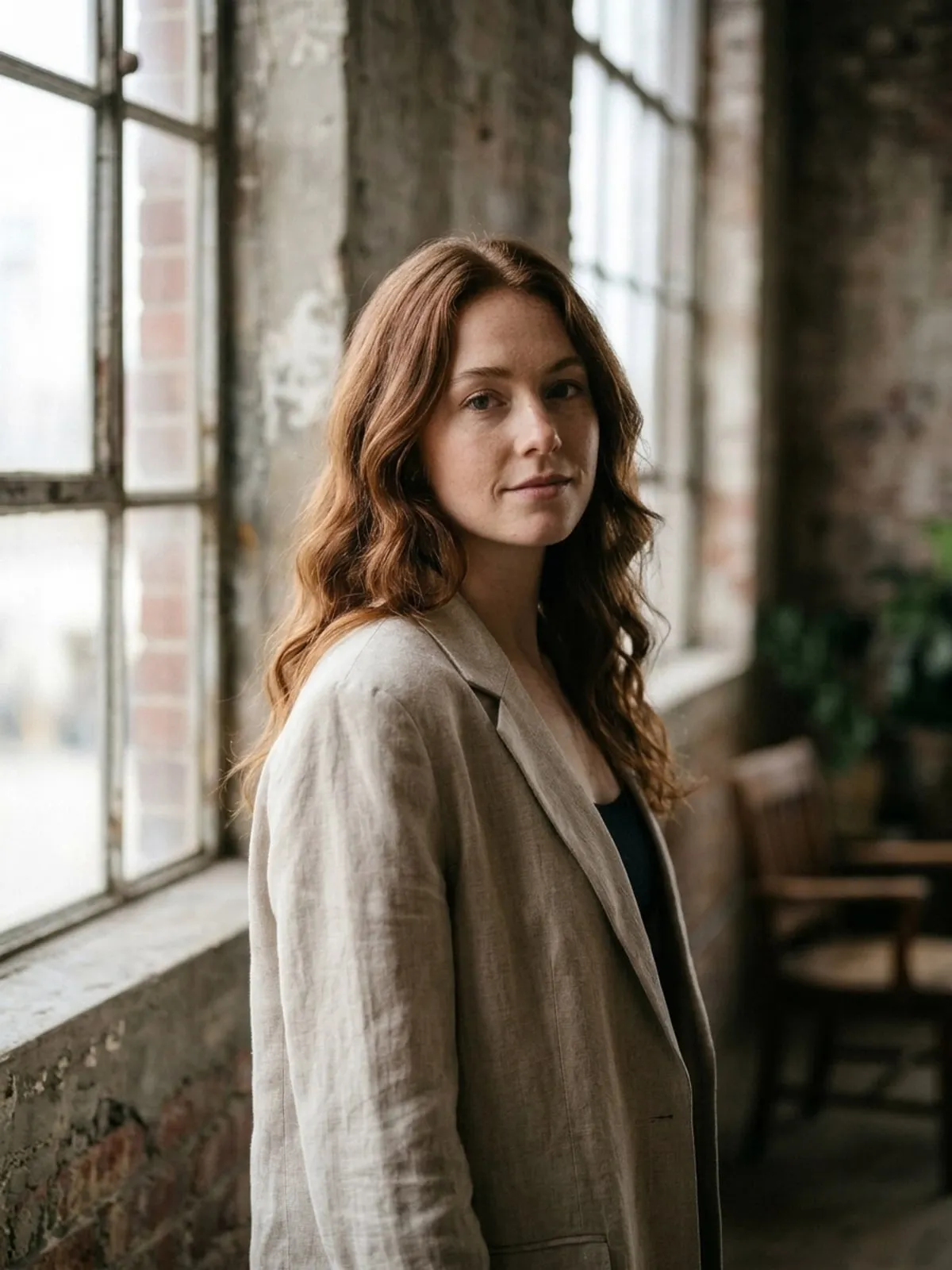
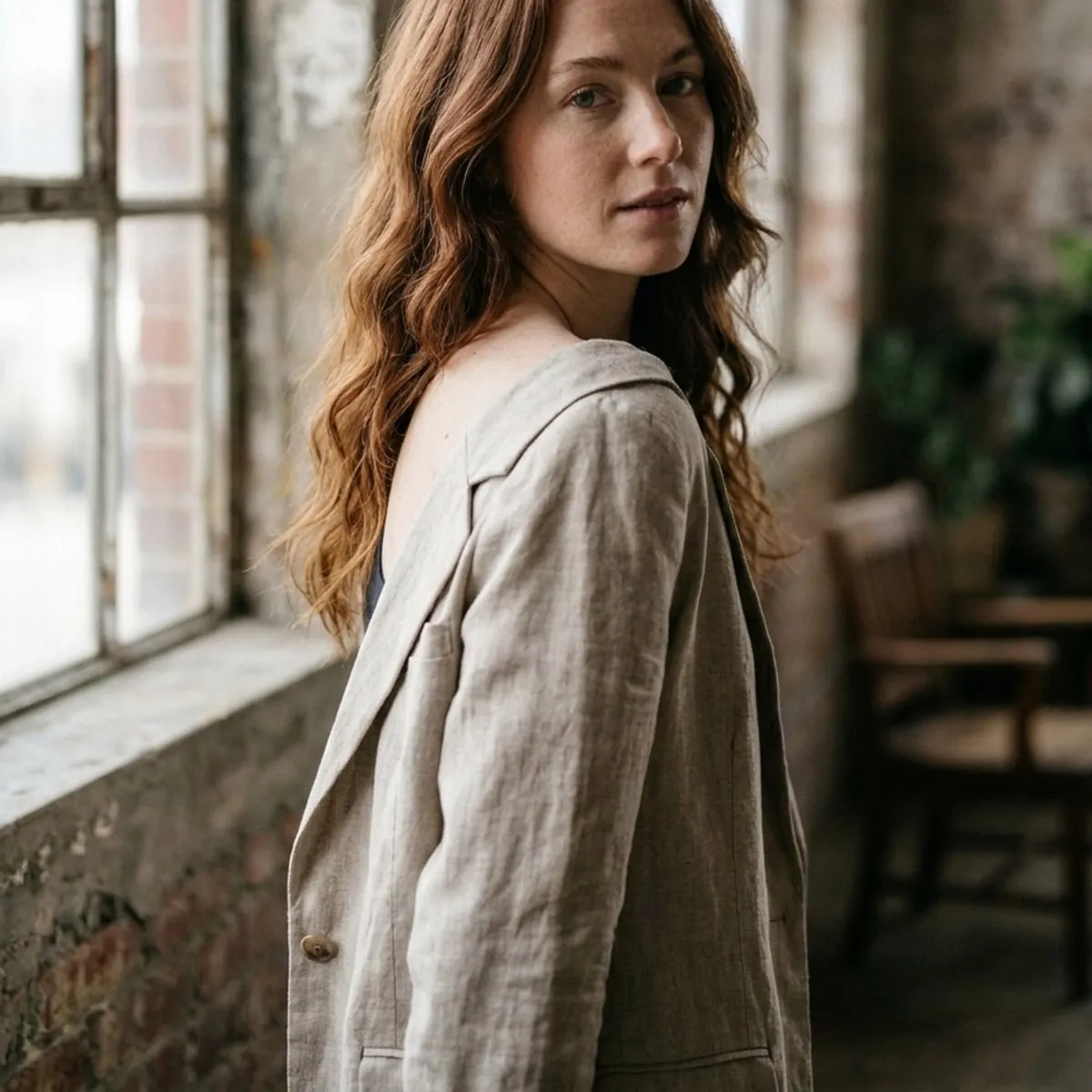
Please touch up the hair at the edge a little. The rest looks good to me.
Will do. Feel free to post it on Instagram with credit.
Thanks! My picks for outfit 2 are done.
Outfit 1
32 photos
Outfit 2
28 photos
Final selection
12 photos
Rate every photo with one tap
Open a photo and pick a category, such as Select, Rejected or Edit. You can change names, icons and colors. Your default set holds up to 5 categories. When ratings are shared, you see on the thumbnail how the other side decided.
- You start with three categories: Select, Rejected and Edit
- The photographer sets the name, icon and color of each category
- Categories can be deleted or added, your default set holds up to 5
- Depending on the setting, both sides’ ratings appear side by side on the thumbnail
- In group shoots, each model rates independently of the others
- With the heart, you save favorites in your own account. They stay even if the gallery is deleted
Organize your sets
Split a gallery into sections such as Outfit 1, Outfit 2 or Final selection. Photos can be moved at any time.
- A gallery can be split into sections, such as outfits, locations or the final selection
- You can move photos to another section at any time
- Each section shows how many photos it contains
- That keeps even large shoots easy to follow
Outfit 1
32 photos
Outfit 2
28 photos
Final selection
12 photos
Try it with your next shoot
Sign up for free and create your first gallery.
Discuss requests right on the photo
Write retouching requests, permission to post on Instagram or questions about the lighting as a comment directly on the photo. Nobody has to search the chat for which photo was meant.
Please touch up the hair at the edge a little. The rest looks good to me.
Will do. Feel free to post it on Instagram with credit.
Thanks! My picks for outfit 2 are done.